Subtitles and audio languages in your IPTV player
Movies and series from IPTV providers often include several audio languages and subtitles. Senum Play shows all of them and lets you pick in two clicks.
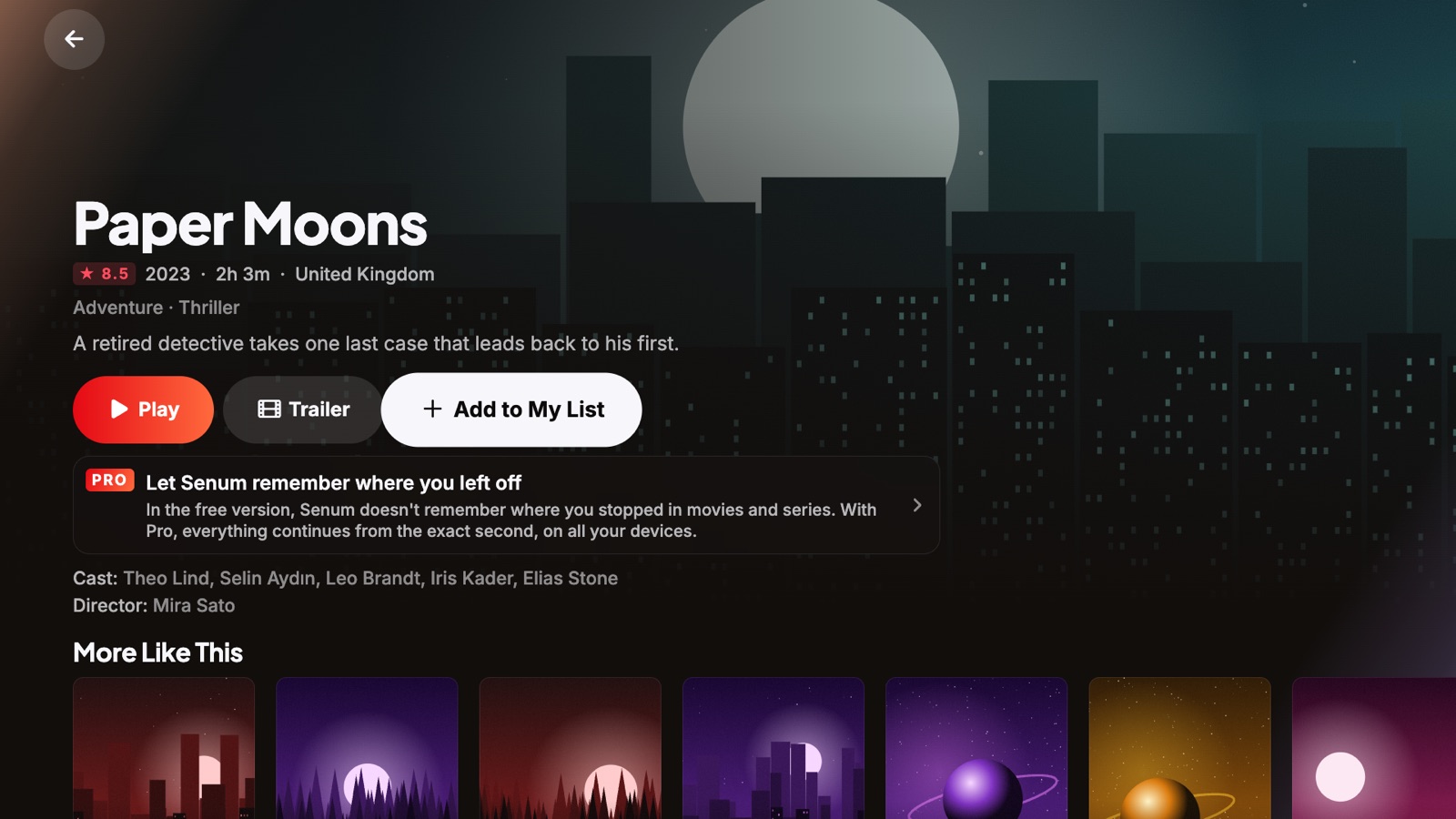
Change the audio language
While a movie plays, open Audio & Subtitles and choose a language. You can also set a default — original audio or dubbed — in Settings.
Turn subtitles on
Pick any embedded subtitle track: SRT, ASS/SSA styled subtitles and MP4 text subtitles are supported, including special characters for every language.
Make subtitles easy to read
Change the size, colour and background of subtitles so they are readable on any TV.
Load your own subtitle file
If a movie has no subtitles in your language, load your own subtitle file for that title.
Questions
Why do I see no subtitles?
The video file must contain subtitle tracks. If it does not, load an external subtitle file.
Are subtitles in MKV files supported on Apple TV?
Yes. Senum reads embedded subtitles in MKV, MP4 and other formats on Apple TV, iPhone and iPad.
Senum is a player only. It does not sell, include or link to any channels, movies or series. Use it only with playlists from a provider you are legally subscribed to.