One playlist, every screen: IPTV that follows you between devices
Start an episode on your phone on the way home and finish it on the TV from the same second. Senum Play keeps your playlists, favourites, profiles and watch progress in sync on iPhone, iPad, Apple TV, Mac and Windows — so you set things up once, not on every device.
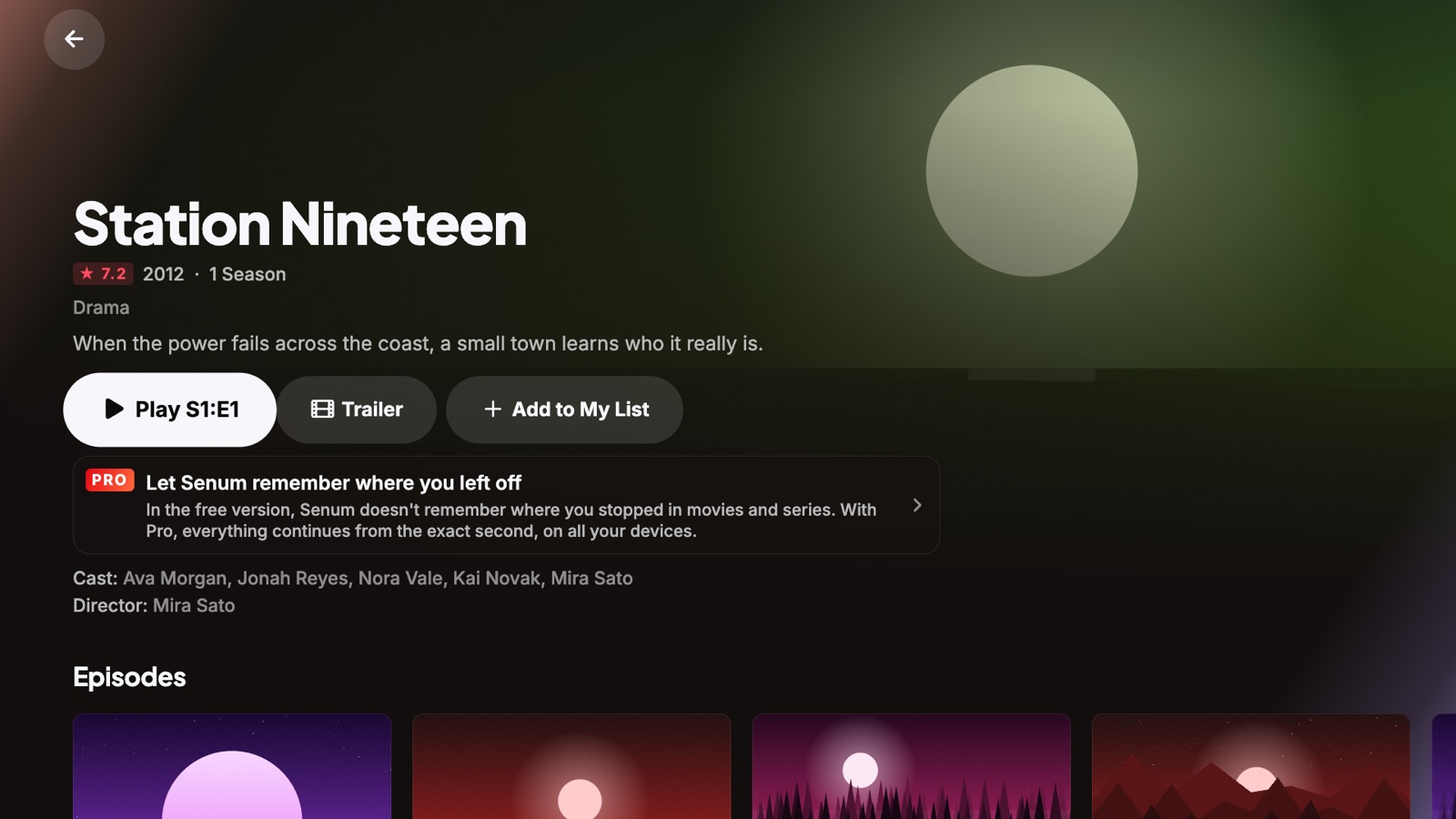
What syncs between devices
- Watch progress for movies and episodes — continue on any device from the exact second.
- Playlists — add your M3U or Xtream Codes playlist once; it appears on your other devices.
- Favourites, profiles and settings, including parental controls.
- Continue watching rows and the next episode of every series.
Sync is part of Pro. On the free version, movies resume on the same device.
Your passwords stay private
Playlist passwords are end-to-end encrypted before they leave your device. Only your own devices can unlock them — not us, and not anyone else. Senum never sells or shares your data, and there are no ads.
How to set it up
- Install Senum Play on each device — App Store for iPhone, iPad, Apple TV and Mac, Microsoft Store for Windows.
- On your first device, add your playlist, then open Settings → Senum Account and sign in with your email. We send you a 6-digit code — no password to remember.
- On a TV or another device, choose Connect a TV or another device and scan the QR code with your phone, or sign in with the same email.
- Your playlists, profiles and progress arrive within seconds.
Your phone as a remote
Scan the QR code on the TV and your phone becomes a remote: browse, search with the phone keyboard, play and pause. Handy on Apple TV and on a PC connected to the TV.
Mind your provider's connection limit
Using one playlist on several devices is fine — watching on several at the same time depends on your provider. Many accounts allow only one or two simultaneous connections; going over can block the account. Senum opens one connection per stream and never more. Syncing progress does not use a connection.
Questions
Can I use the same IPTV playlist on several devices?
Yes. You can add the same playlist on as many devices as you like. How many can watch at the same time depends on your provider's connection limit.
Does sync work between iPhone and Windows?
Yes. Progress, playlists, favourites and profiles sync between iPhone, iPad, Apple TV, Mac and Windows with one Senum account and Pro.
Is sync free?
Resume on the same device is free. Sync across devices is part of Pro, which you can try free for 3 days. One Pro purchase works on all your devices.
Do you see my playlist password?
No. Passwords are end-to-end encrypted and can only be opened on your own devices.
Senum is a player only. It does not sell, include or link to any channels, movies or series. Use it only with playlists from a provider you are legally subscribed to.