The easiest way to use your Xtream Codes account
Xtream Codes is the most common way IPTV providers deliver a subscription. Enter the server address, username and password once, and Senum loads everything for you — live TV, the program guide, movies and series with posters.
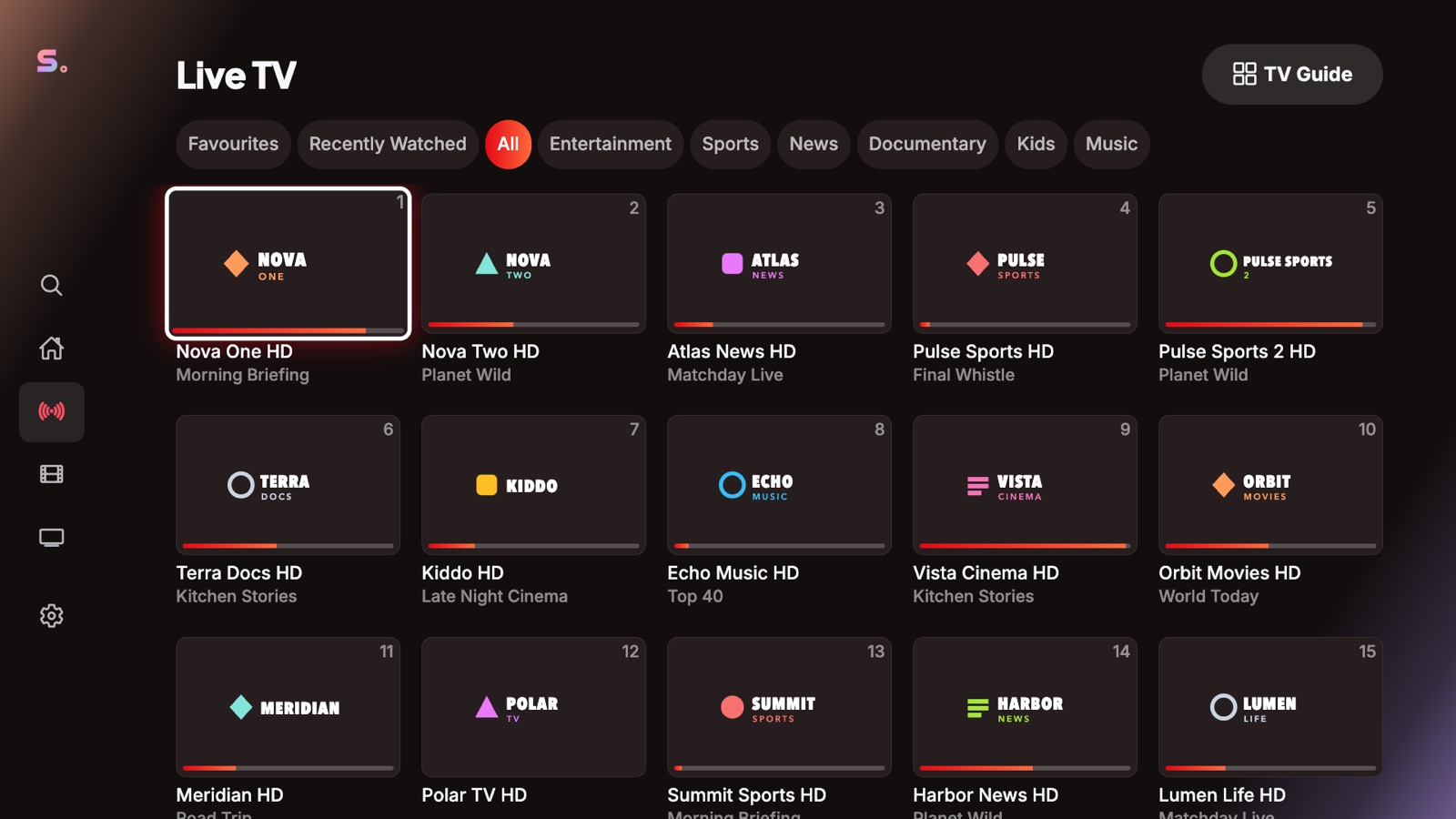
Everything, organised
Categories, posters, ratings, seasons and episodes come straight from your provider. Senum shows your account status, expiry date and connection limit, too.
Kind to your connection limit
Senum opens exactly one connection per stream and never hammers your provider with retries, so watching on several devices works as your plan allows and your account stays in good standing.
Right format, first time
Senum reads which output formats your account allows (TS or HLS) and uses the right one immediately — no trial and error.
How to add an Xtream Codes account
- Open Senum Play and choose Add playlist → Xtream Codes.
- Enter the server address with port (for example
http://example.com:8080), your username and password. - Tap Connect. Use “Show password” to check what you typed.
Questions
Where do I find my Xtream Codes details?
Your provider sends them when you subscribe: a server address (usually with a port), a username and a password.
Why does my account say “connection limit reached”?
Your provider allows a fixed number of simultaneous streams. Close the stream on another device, or ask your provider for more connections.
Senum is a player only. It does not sell, include or link to any channels, movies or series. Use it only with playlists from a provider you are legally subscribed to.