Free IPTV player for Windows PC
Senum Play brings live TV, movies and series from your M3U or Xtream Codes playlist to your Windows 10 or 11 PC and laptop. Install it from the Microsoft Store — no setup files, automatic updates, no ads, on x64 and Arm devices.
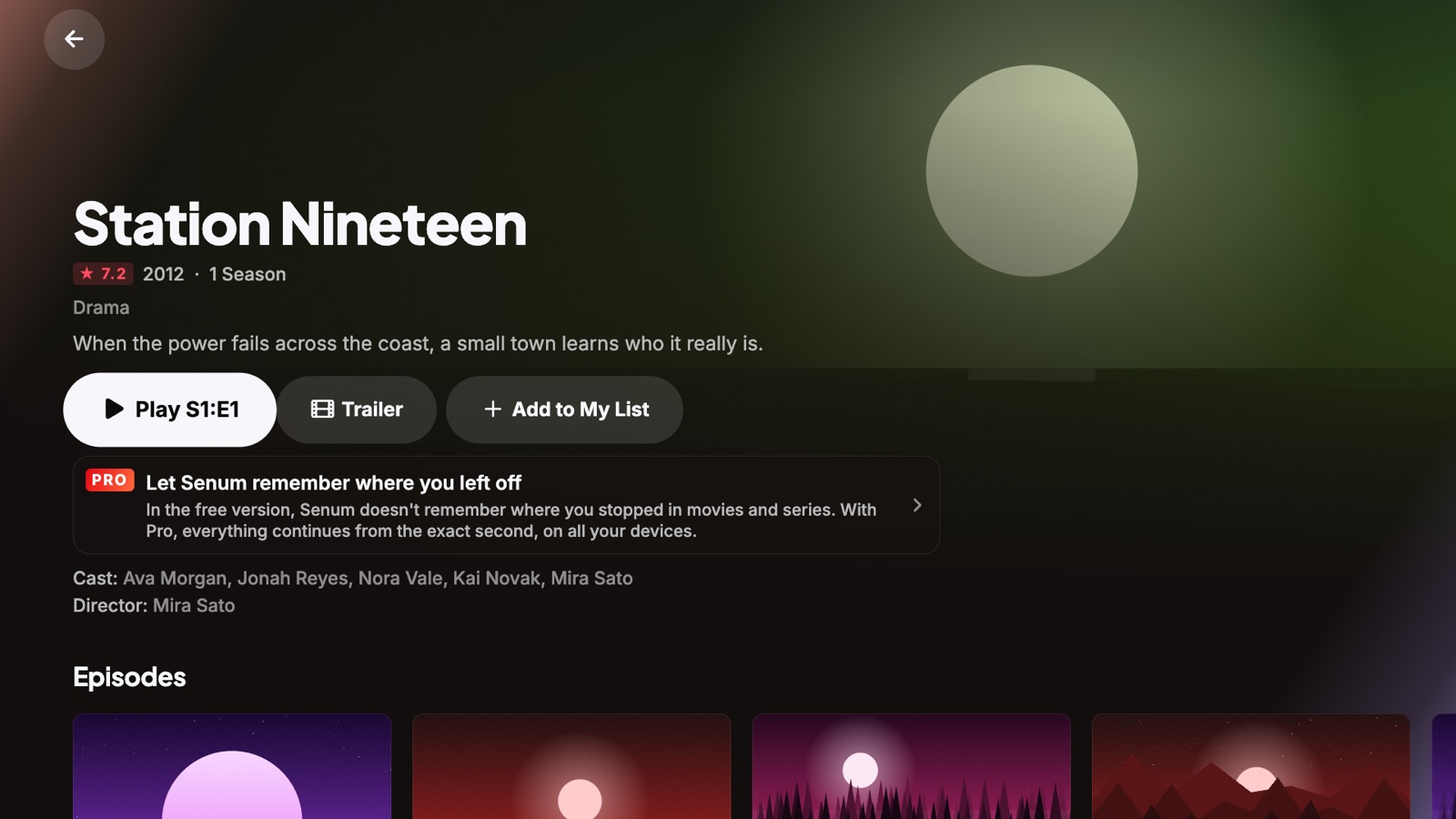
Why a Microsoft Store IPTV player
Many Windows IPTV players are distributed as setup files from unknown websites. Senum Play comes from the Microsoft Store: it is checked by Microsoft, installs in one click, updates itself and uninstalls cleanly. Nothing extra is installed on your PC.
Every codec, every track
HEVC, H.264 and MPEG-2 video; AC3, E-AC3, DTS, AAC and MP3 audio; SRT and ASS subtitles. Senum plays MKV, MP4, AVI, MPEG-TS and HLS with every audio language your provider offers — no codec packs to install.
Made for the mouse, the keyboard and the remote
Browse with the mouse, jump between channels with the arrow keys or search with the keyboard. Senum works great on a laptop and on a PC connected to your TV.
How to install Senum Play on Windows
- Open the Microsoft Store on your PC and search for Senum Play, or use the button on this page.
- Click Get — it installs in a few seconds.
- Open Senum, create a profile and add your M3U link or Xtream Codes login.
- Press Connect & Import and start watching.
System requirements
- Windows 10 or Windows 11
- x64 or Arm64 PC or laptop
- An internet connection that is fast enough for your provider's streams (5 GHz Wi-Fi or Ethernet recommended for HD)
Same account, every device
Your Pro purchase and, with Pro, your progress, playlists and favourites follow you between Windows, iPhone, iPad, Apple TV and Mac. Start a movie on the laptop and finish it on the TV.
Tips for smooth playback on Windows
- Use Ethernet or 5 GHz Wi-Fi for HD and 4K channels.
- Close other streams on the same provider account if it allows only one connection.
- If a channel buffers, turn on the larger buffer and smart reconnect in Pro. See our buffering guide.
Questions
Where do I download Senum for Windows?
From the Microsoft Store. Search for “Senum Play” or use the button on this page.
Is Senum Play free on Windows?
Yes. It is free with one playlist and no ads. Pro is optional and one purchase works on all your devices.
Does it run on Windows on Arm?
Yes. Senum ships native x64 and Arm64 versions.
Does it work on Windows 10?
Yes. Senum Play supports Windows 10 and Windows 11.
Can I watch IPTV on my PC and my TV with one account?
Yes. Use the same playlist on several devices, up to your provider's connection limit. With Pro your progress follows you between them.
Senum is a player only. It does not sell, include or link to any channels, movies or series. Use it only with playlists from a provider you are legally subscribed to.