IPTV EPG: get a full TV guide for your channels
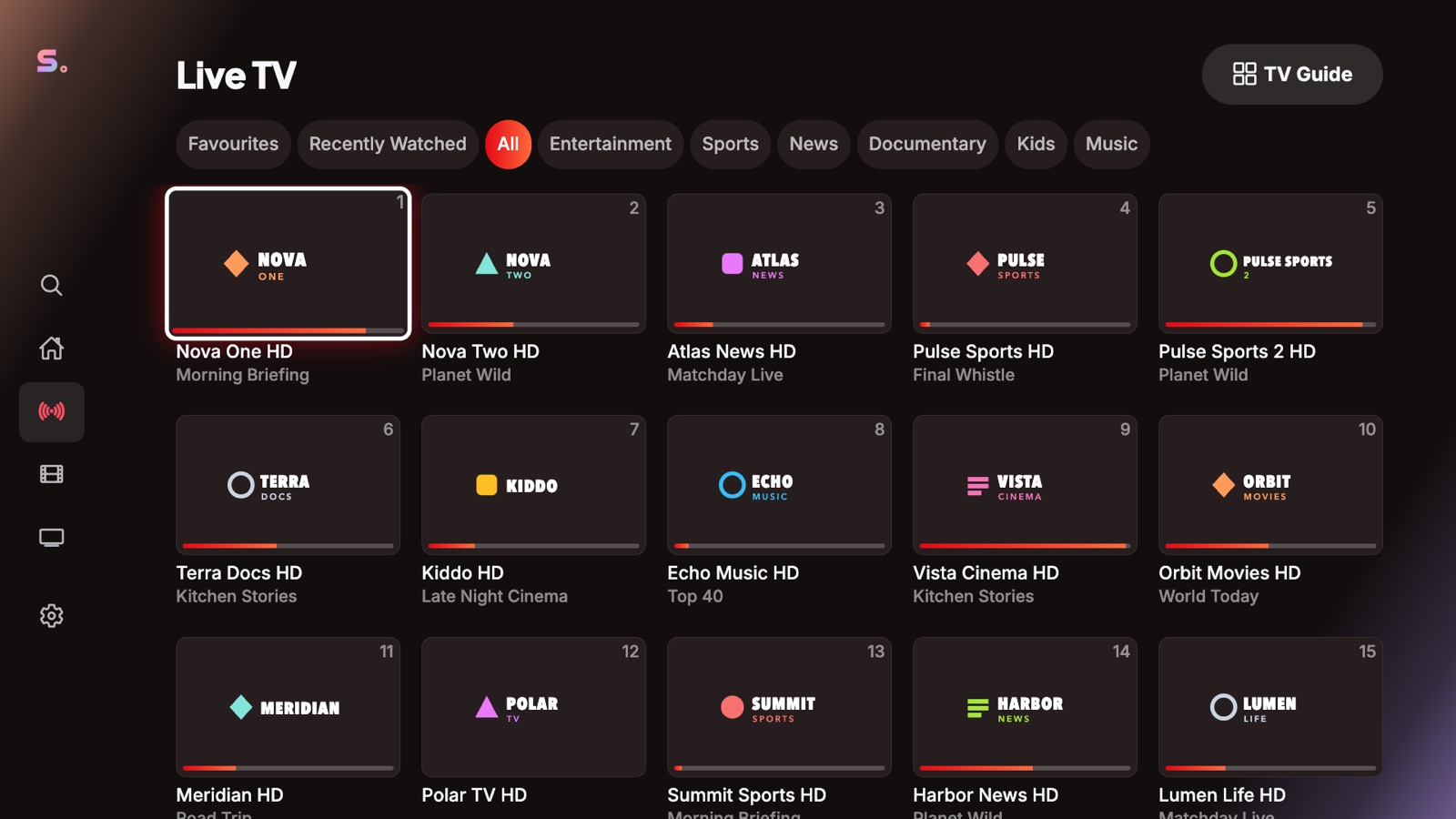
The EPG (Electronic Program Guide) shows what is on now and next on every channel. In Senum Play it appears in the channel list, in the player and in a full guide grid.
Where the EPG comes from
- Xtream Codes: the guide is loaded automatically from your provider.
- M3U: the playlist usually contains an XMLTV address in
url-tvgorx-tvg-url, which Senum loads automatically. - Your own XMLTV link: you can add a guide URL manually in the playlist settings.
Why some channels have no guide
Each channel is matched to the guide by its tvg-id (EPG ID). If the provider leaves it empty or uses a different ID, that channel shows no program information. Ask your provider for an updated guide.
Catch-up and time-shift
If your provider records programmes, you can open past shows straight from the guide and watch them from the start.
Questions
How often is the EPG updated?
Senum refreshes the guide in the background so it is always current.
Can I use an EPG with an M3U playlist?
Yes. Senum reads the XMLTV link in the playlist, or you can add one yourself.
Senum is a player only. It does not sell, include or link to any channels, movies or series. Use it only with playlists from a provider you are legally subscribed to.