A free IPTV player — with no ads
Senum Play is free to download and free to use. Add your M3U or Xtream Codes playlist and watch live TV with a full program guide, movies and series — on iPhone, iPad, Apple TV, Mac and Windows. No ads, no account needed.
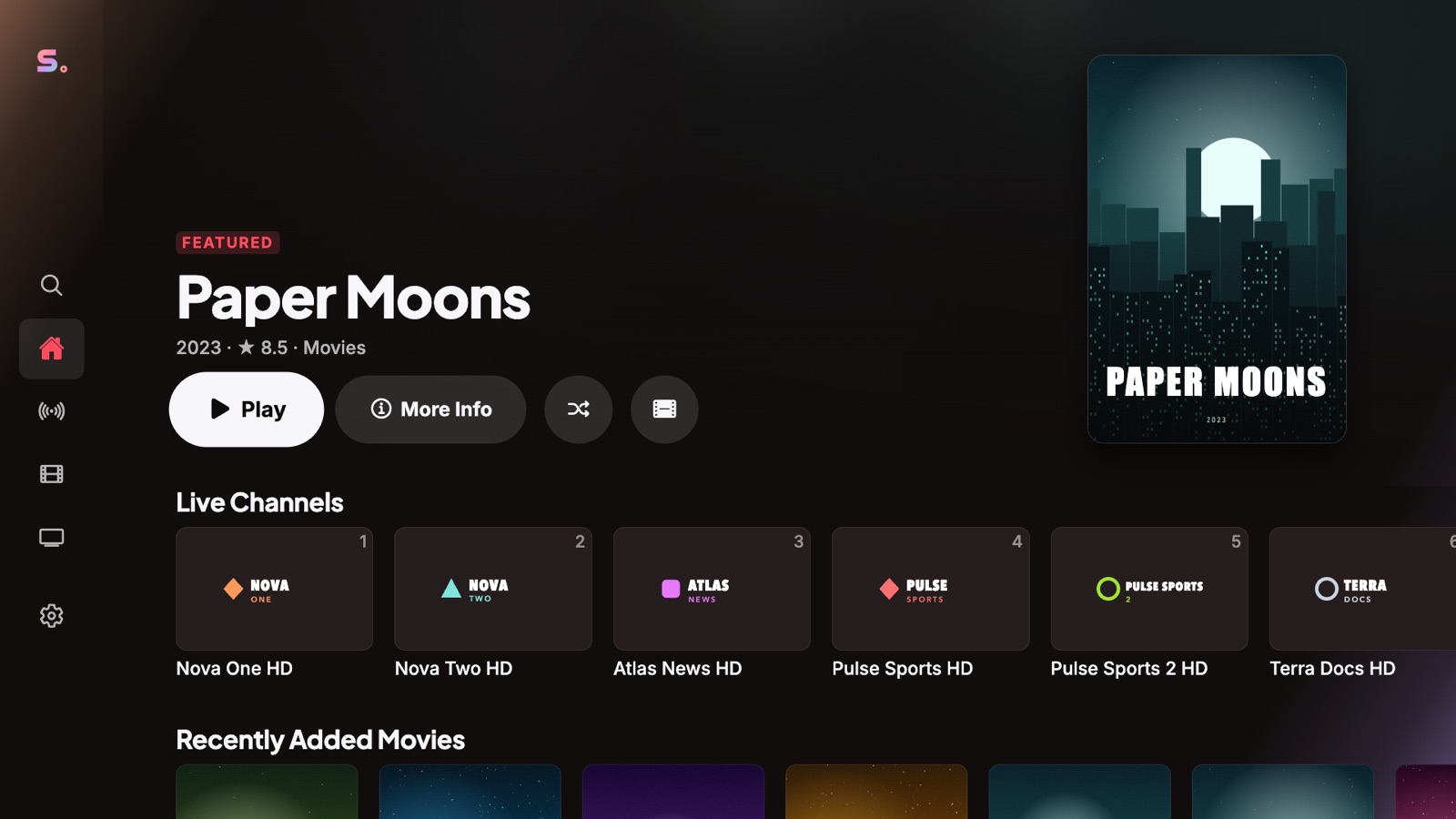
What you get for free
- Live TV with channel numbers, favourites, search and a full program guide (EPG)
- Movies and series with posters, seasons and episodes
- Every format: MKV, MP4, AVI, MPEG-TS and HLS, with all audio tracks and subtitles
- One playlist (M3U, M3U8 or Xtream Codes)
- Two profiles, kids mode and parental PIN
- Resume movies on the same device
- Use your phone as a remote
- No ads, ever
What Pro adds
You only need Pro if you want more. It adds automatic series resume, progress sync between all your devices, cloud backup of your profiles, playlists and favourites, unlimited playlists, six profiles, smart reconnect with a larger buffer, and hosting a Watch Party. One purchase unlocks Pro on every device, and you can try it free for 3 days.
| Feature | Free | Pro |
|---|---|---|
| Live TV, movies, series, EPG | ✓ | ✓ |
| All formats, audio tracks, subtitles | ✓ | ✓ |
| Playlists | 1 | Unlimited |
| Profiles | 2 | 6 |
| Sync across devices | – | ✓ |
| Smart reconnect, larger buffer | – | ✓ |
| Ads | None | None |
Free player, not free channels
Senum Play is a player, like a web browser for TV. It does not include, sell or link to any channels, movies or series. You add the playlist you get from your own provider. Apps or websites that promise "free IPTV channels" usually offer content without the rights to it — those streams are unreliable and can put your devices and data at risk.
Get started in two minutes
- Download Senum Play from the App Store (iPhone, iPad, Apple TV, Mac) or the Microsoft Store (Windows).
- Create a profile.
- Choose Xtream Codes and enter the server, username and password from your provider — or paste your M3U link.
- Press Connect & Import and start watching.
Need more detail? Follow our step-by-step playlist guide.
A free IPTV player for every screen
iPhone and iPad: a native app with touch-friendly guides. Apple TV: remote-first live TV on the big screen. Mac: runs natively on Apple silicon. Windows PC: Windows 10 and 11 from the Microsoft Store. Android, Android TV and Fire TV: coming soon.
Questions
Is Senum Play really free?
Yes. Downloading and using Senum Play is free, with no ads and no time limit. Pro is optional.
Does the free version have ads?
No. Senum Play has no ads in the free version or in Pro.
Do I need an account?
No. You can use Senum without an account. An email account is only needed to sync with Pro.
Does Senum Play include free channels?
No. Senum is a player only. You need your own playlist from a provider you are legally subscribed to.
Which free IPTV player works on Windows 10 and 11?
Senum Play is free in the Microsoft Store for Windows 10 and 11, on x64 and Arm PCs.
Senum is a player only. It does not sell, include or link to any channels, movies or series. Use it only with playlists from a provider you are legally subscribed to.