IPTV catch-up and time-shift: never miss a program
Missed the match or the evening news? If your provider records channels, Senum Play lets you open the program guide, go back in time and play what already aired — and pause live TV and continue later.
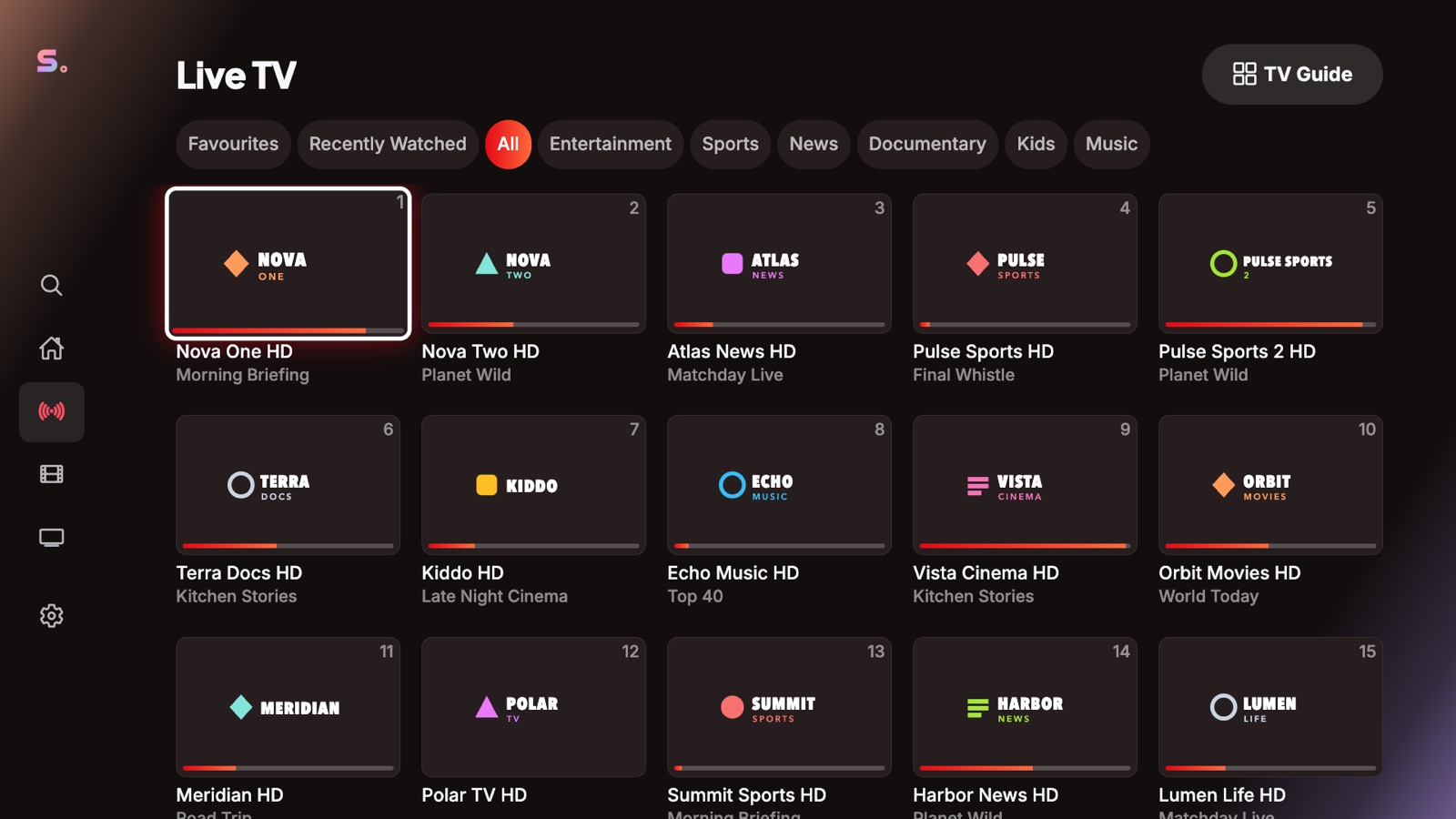
What is IPTV catch-up?
Catch-up (also called TV archive or replay) means your provider keeps recordings of a channel for a few days. In the program guide you pick a past program and watch it from the start. How many days are available — often 1 to 7 — is set by the provider, per channel.
How to watch a past program
- Open Live TV and choose a channel marked Catch-up.
- Open the program guide and go back to an earlier time or day. Past programs you can play are marked Catch-up.
- Select the program and press play. It starts from the beginning, and you can pause and seek.
Search finds past programs too: results that already aired show a Catch-up label.
Time-shift: pause live TV
On channels with catch-up, you can pause a live program and continue later from the same point — Senum continues from the provider's recording instead of jumping ahead, and shows how many minutes you are behind live.
Which playlists support it
- Xtream Codes: channels with TV archive are detected automatically.
- M3U: channels with
catchup,catchup-daysandcatchup-sourcetags, including the default, append, shift and Flussonic types.
If no channel is marked Catch-up, your provider doesn't offer catch-up for your account. See also the program guide (EPG) help.
Questions
Does Senum Play record TV?
No. Senum plays the archive your provider already records. Catch-up is available only where your provider offers it.
Why don't I see catch-up on my channels?
Your provider must enable TV archive for the channel and your account. Channels with catch-up are marked Catch-up in the player and guide.
How far back can I watch?
As far as your provider keeps the recording — usually 1 to 7 days, set per channel.
Is catch-up free in Senum?
Yes. Catch-up and time-shift work in the free version too.
Senum is a player only. It does not sell, include or link to any channels, movies or series. Use it only with playlists from a provider you are legally subscribed to.