Switching from another IPTV player
Many popular IPTV players are only available on Android TV boxes. If you use an iPhone, Apple TV, Mac or Windows PC, Senum Play gives you the same TV-like experience — and moving your playlist takes a minute.
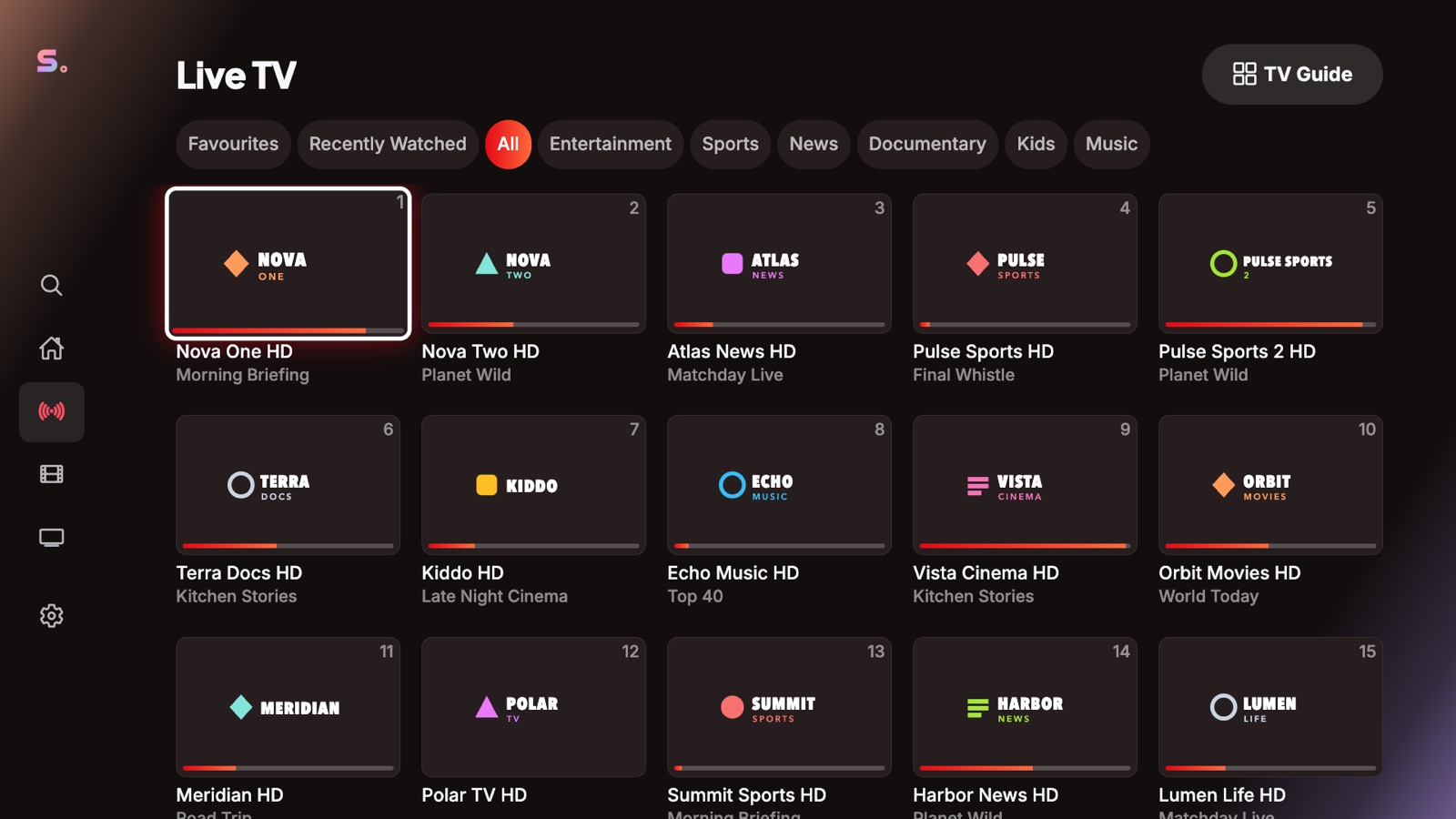
What you will feel at home with
- Live TV first: fast channel switching, channel numbers and favourites
- A real EPG with now and next, catch-up and time-shift
- Xtream Codes and M3U playlists, sorted automatically
What Senum adds
- Movies and series with posters, seasons and every audio and subtitle track — MKV and AVI included
- Sync between iPhone, Apple TV, Mac and Windows
- Your phone as a remote, with keyboard input
- Watch Party to watch in sync with friends
Moving your playlist
Use the same M3U link or Xtream Codes login from your provider. Add it once in Senum; with a Senum account it appears on all your devices.
Questions
Do I need a new IPTV subscription to switch?
No. Senum works with the playlist you already have from your provider: M3U link or Xtream Codes login.
Can I use Senum on Android TV?
The Android and Android TV version is coming soon to Google Play.
Senum is a player only. It does not sell, include or link to any channels, movies or series. Use it only with playlists from a provider you are legally subscribed to.