An IPTV player for your Mac
On a Mac with Apple silicon (M1 or later), Senum Play runs straight from the Mac App Store. Live TV, movies and series from your IPTV playlist, in a window or full screen.
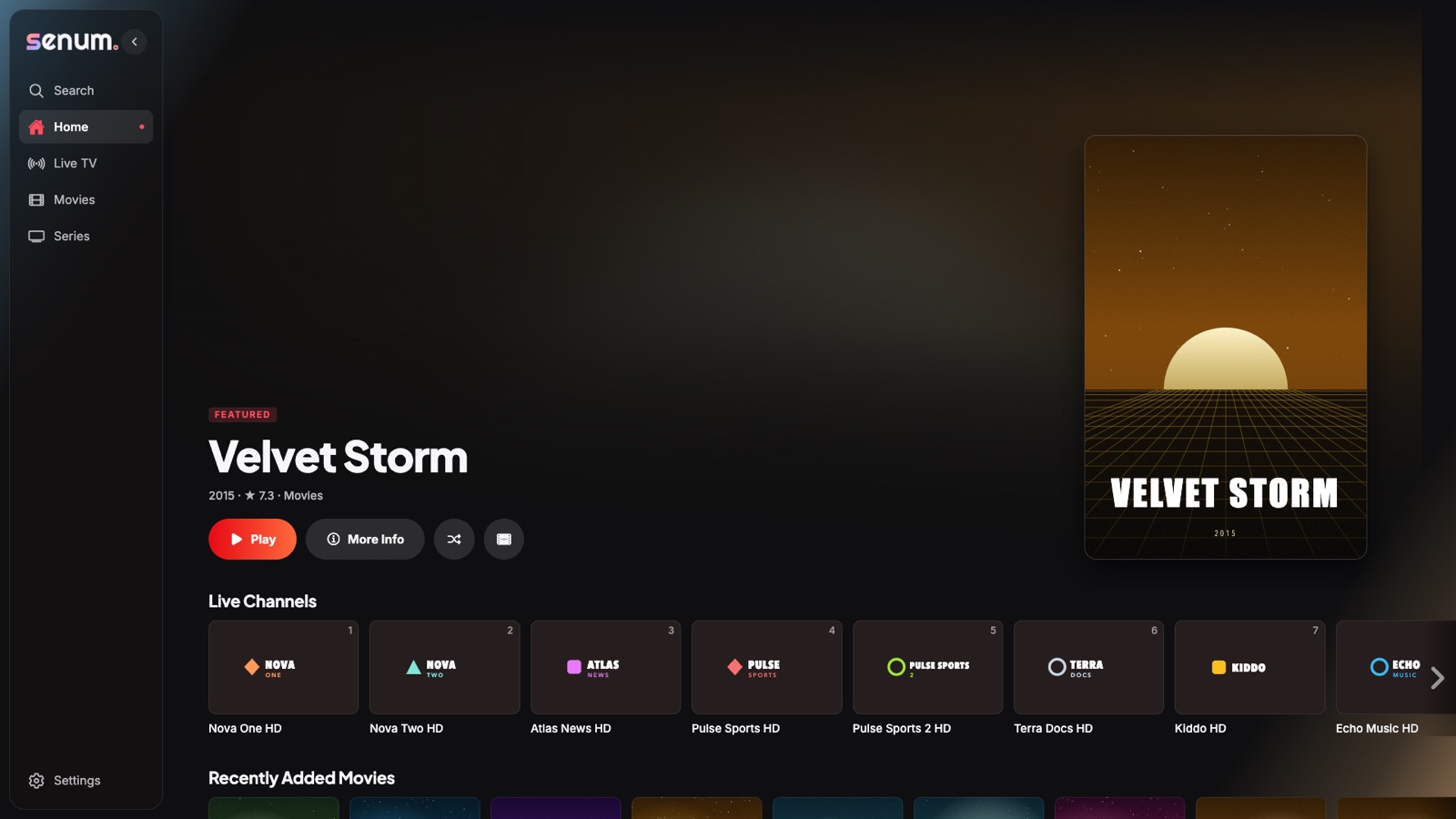
How to install on Mac
- Open the Mac App Store.
- Search for Senum Play — it appears under iPhone & iPad Apps.
- Install, open, and add your M3U or Xtream Codes playlist.
Everything from iPhone and Apple TV
The same player, the same formats (MKV, MP4, AVI, TS, HLS), the same EPG and the same sync. Start on your Mac and continue on your TV.
Keyboard and mouse friendly
Use the keyboard to search and switch channels, and the trackpad to scrub through movies.
Questions
Does Senum work on Intel Macs?
No. The Mac version requires Apple silicon (M1 or later). On Windows PCs, use Senum Play from the Microsoft Store.
Is the Mac version free?
Yes, with the same free plan and optional Pro as on iPhone and iPad. One Pro purchase works on all your Apple devices.
Senum is a player only. It does not sell, include or link to any channels, movies or series. Use it only with playlists from a provider you are legally subscribed to.