The M3U player that makes sense of your list
Paste an M3U link or open an M3U file and Senum turns a long text list into a real TV experience: channel groups, posters, a program guide and search.
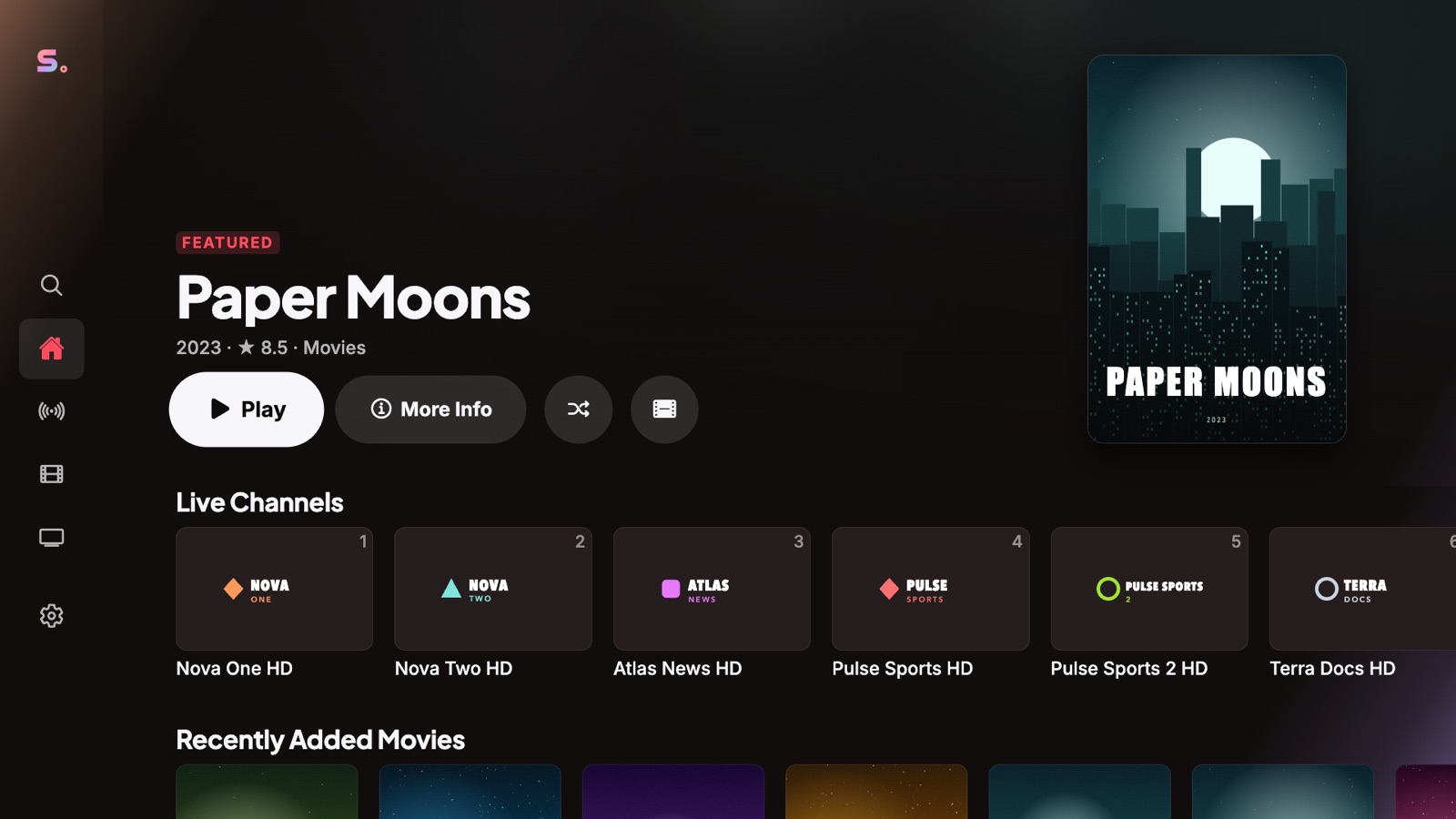
Smart sorting
Senum reads group-title, logos and catch-up attributes and separates live channels, movies and series automatically — even in lists with tens of thousands of entries.
Program guide included
If your playlist includes an XMLTV address (url-tvg or x-tvg-url), Senum loads the guide automatically. You can also add a guide URL yourself.
Always up to date
Your list is refreshed in the background, so new channels and movies appear without re-adding the playlist.
How to add an M3U playlist
- Open Senum Play and choose Add playlist.
- Select M3U link and paste the address from your provider, or choose File.
- Give it a name and tap Connect. Senum imports the list in seconds.
Questions
Does Senum support M3U8?
Yes. M3U and M3U8 playlists, as links or files, are supported.
Is there a limit on playlist size?
No fixed limit. Senum is optimised for very large lists with tens of thousands of channels and movies.
Senum is a player only. It does not sell, include or link to any channels, movies or series. Use it only with playlists from a provider you are legally subscribed to.